Stripe Webhooks: Complete Setup and Security Guide
What Stripe webhooks are, how to configure them correctly, verify signatures and avoid common pitfalls when handling payment events.
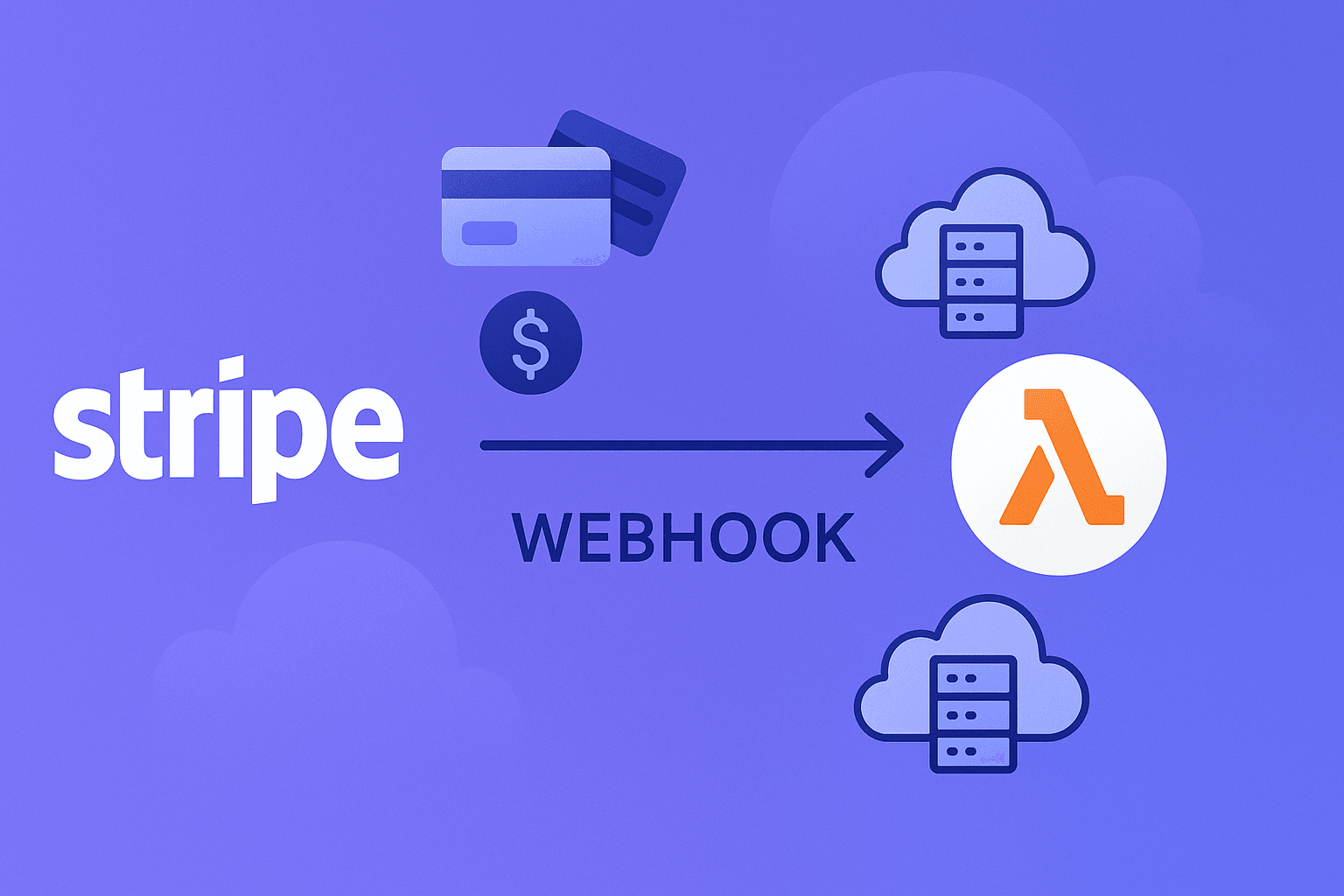
A webhook is an HTTP request Stripe sends to your server when a specific event occurs: successful payment, refund, dispute opened, subscription renewal. Without proper webhook setup your backend operates blind — it has no reliable knowledge of real transaction statuses.
Why webhooks are non-negotiable
Post-payment redirects are unreliable. A customer may close the tab, lose connection or hit a browser delay. Webhooks are sent directly from Stripe to your server and are completely independent of user actions.
Key events to handle:
payment_intent.succeeded— payment confirmed, fulfil the orderpayment_intent.payment_failed— payment failed, notify the customercustomer.subscription.deleted— subscription cancelledinvoice.payment_failed— recurring charge failedcharge.dispute.created— chargeback opened, respond immediately
Registering your endpoint
In the Stripe Dashboard go to Developers → Webhooks → Add endpoint. Enter your handler URL (e.g. https://yourdomain.com/webhooks/stripe) and select the events to subscribe to.
For local development use the Stripe CLI:
stripe listen --forward-to localhost:3000/webhooks/stripe
Signature verification — a mandatory step
Stripe signs every webhook with a Stripe-Signature header. Always verify it before processing any data:
$payload = @file_get_contents('php://input');
$sig_header = $_SERVER['HTTP_STRIPE_SIGNATURE'];
$secret = getenv('STRIPE_WEBHOOK_SECRET');

try {
    $event = \Stripe\Webhook::constructEvent(
        $payload, $sig_header, $secret
    );
} catch (\Stripe\Exception\SignatureVerificationException $e) {
    http_response_code(400);
    exit();
}
Without this check, anyone can send a forged request to your endpoint.
Idempotency in handlers
Stripe may deliver the same event multiple times on network failures. Store event.id in your database and check before processing — this prevents duplicate orders and double-crediting bonuses.
Common mistakes
- Returning
200only after business logic completes (Stripe marks a webhook as failed if response takes over 30 seconds — accept the event immediately, defer logic to a queue) - No retry handling on the server side
- Processing events without signature verification
- Ignoring
charge.dispute.created(an unanswered chargeback is an automatic loss)
Monitoring webhook events
The Stripe Dashboard under Developers → Webhooks shows delivery history, response statuses and lets you manually retry any event. Set up alerts for failed deliveries.
Proper webhook handling is the foundation of a reliable payment infrastructure. If you need integration help or a ready warmed Stripe account — reach out to us on Telegram.
Ready to connect Stripe?
Submit a request — we'll discuss rates, timelines and find the right solution for your niche. Free expert consultation.